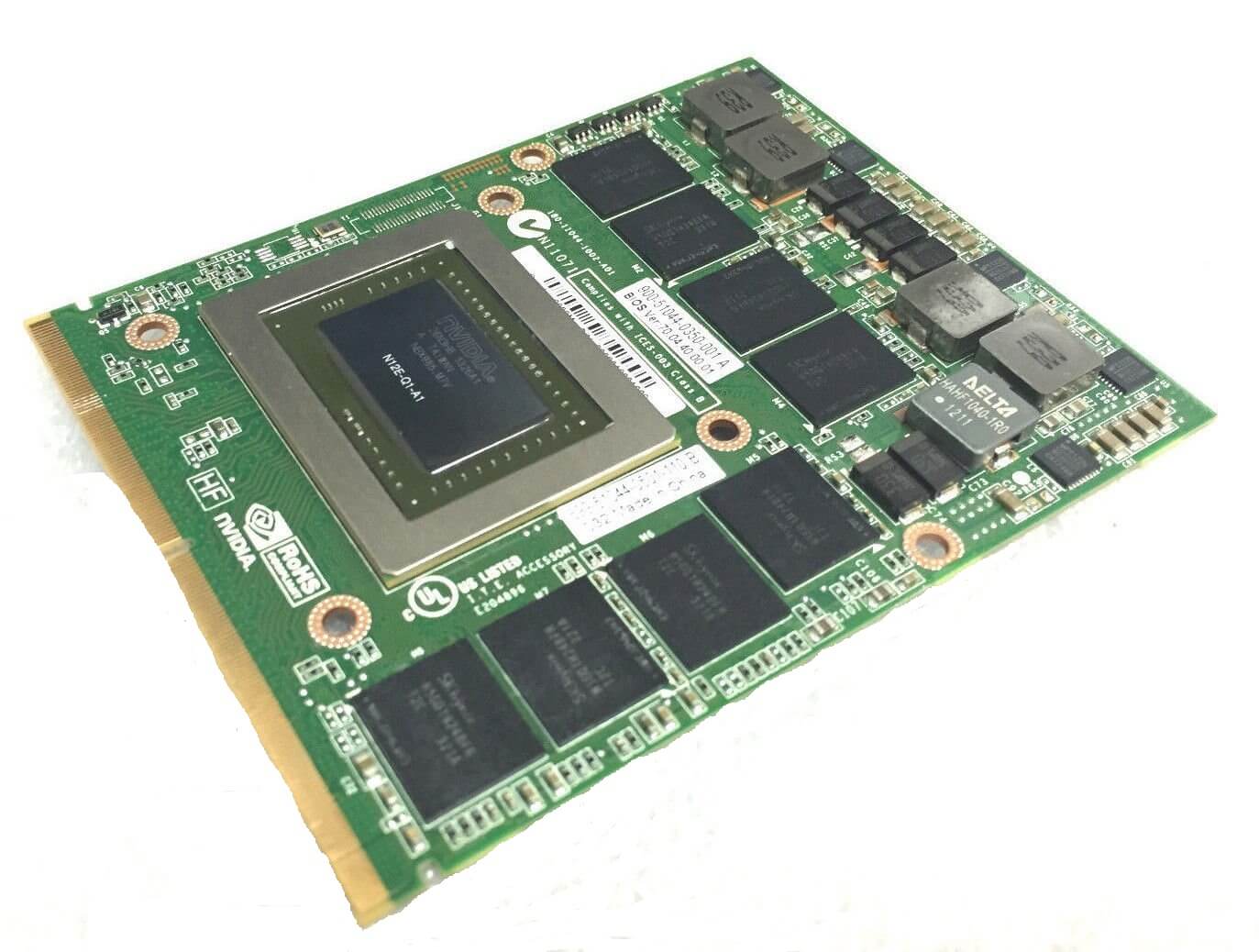
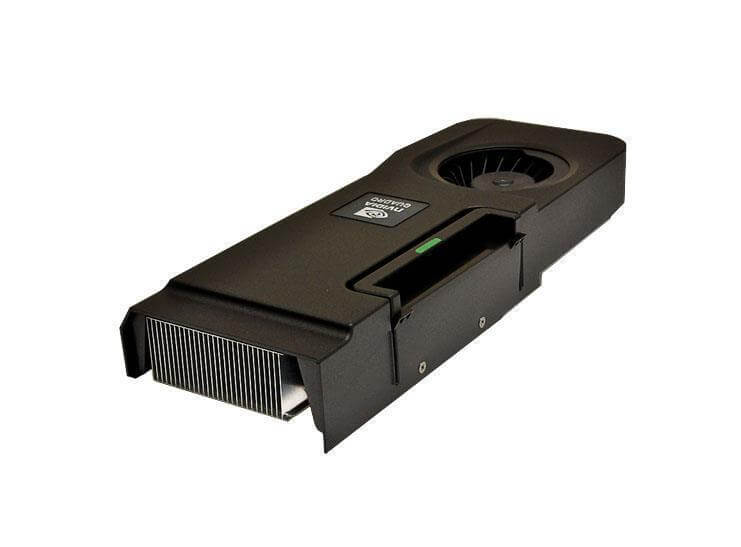
690465-001 HP NVIDIA QUADRO 3000M PCIE X16 2GB GDDR5 Memory 256Bit Wide Interface Graphics CardMax Power Consumption Of 75 WATT. Refurbished.
$58.49
$85.98
Description Overview The overview of the HP NVIDIA Quadro 3000M PCIe x16 graphics card provides a summary of the device’s key features, capabilities, and applications. The HP NVIDIA Quadro 3000M PCIe x16 graphics card is a high-performance workstation-class graphics card designed for professional applications such as 3D modeling, CAD (computer-aided design), and scientific visualization. It is powered by the NVIDIA Kepler GPU architecture and features 2GB of GDDR5 memory with a 256-bit memory interface. The card is designed to provide superior performance for applications that require high visual fidelity, accuracy, and precision. It supports up to 4K resolution displays and features advanced rendering and shading technologies that provide realistic lighting and material effects. The card also supports advanced graphics features such as OpenGL, DirectX, and CUDA, which enable GPU acceleration for a wide range of applications. The HP NVIDIA Quadro 3000M PCIe x16 graphics card is compatible with a range of operating systems, including Windows and Linux, and is certified for use with a range of professional software applications. It is designed to deliver excellent performance in demanding applications, and its high-quality output makes it a valuable tool for professionals in fields such as engineering, architecture, and media and entertainment. Troubleshooting common issues Some common issues that you may encounter with the HP NVIDIA Quadro 3000M PCIe x16 graphics card include: Display issues: If the display is not showing up properly or there are graphical artifacts or distortion, it may indicate an issue with the graphics card. To troubleshoot, try changing the resolution or refresh rate of the display. You can also try reinstalling the drivers for the card or updating them to the latest version. Overheating: If the graphics card is overheating, it can cause the system to shut down or the card to malfunction. To troubleshoot, make sure that the card’s cooling system is working properly and the fans are spinning. Clean the card and cooling system of any dust or debris that may be blocking the airflow. You can also try adjusting the fan speed or adding additional cooling solutions to the system. System instability: If the system is crashing, freezing, or showing error messages, it may indicate an issue with the graphics card or drivers. To troubleshoot, try uninstalling and reinstalling the drivers for the card or updating them to the latest version. You can also try disabling any overclocking or advanced features of the card that may be causing instability. Power issues: If the graphics card is not receiving enough power, it can cause the system to shut down or the card to malfunction. To troubleshoot, make sure that the card is properly connected to the power supply and the power supply is providing enough power to the card. You can also try using a different power supply or upgrading to a more powerful power supply. Compatibility issues: If the graphics card is not compatible with the operating system or software application, it may not work properly. To troubleshoot, make sure that the card is compatible with the operating system and software applications that you are using. Check for any software or driver updates that may be required for compatibility. In most cases, these common issues can be resolved by updating the drivers, cleaning the card, and ensuring that it is receiving enough power and properly seated in its PCIe x16 slot. If these steps do not resolve the issue, you may need to seek the help of a professional technician or contact the manufacturer for further assistance. Noise level and acoustic performance The noise level and acoustic performance of the HP NVIDIA Quadro 3000M PCIe x16 graphics card can vary depending on the specific model and cooling solution used. In general, the graphics card produces some level of noise due to the fans used for cooling. However, many models are designed to minimize noise and provide a quieter experience. Some models may use larger fans that spin at a lower speed, resulting in less noise, while others may use advanced cooling solutions such as heat pipes or liquid cooling to reduce noise. The noise level of the graphics card is typically measured in decibels (dB). A lower decibel rating indicates a quieter device, while a higher rating indicates a louder one. The exact noise level can vary depending on factors such as the workload of the card, the ambient temperature of the environment, and the specific cooling solution used. When considering the noise level and acoustic performance of the graphics card, it is important to consider the specific use case and environment. For example, a quieter card may be preferable for use in a home office or living space, while a louder card may be more acceptable in a server room or other industrial setting. To get a better idea of the noise level and acoustic performance of a specific model of the HP NVIDIA Quadro 3000M PCIe x16 graphics card, it is recommended to read reviews and user feedback from other users who have used the same model. Many reviews and specifications will also provide information on the noise level in decibels or a noise level rating system. Key Features Product Type: Graphics Card Interface Type: PCI Express X16 Enclosure Type: Plug-In Platform: PC Processor: Graphics Processor: NVIDIA QUADRO 3000M Memory: Standard Memory: 2GB Memory Technology: DDR5 Bus Width: 256 Bit
Quadro 3000M